myChelper Giving is Now Available for your Church
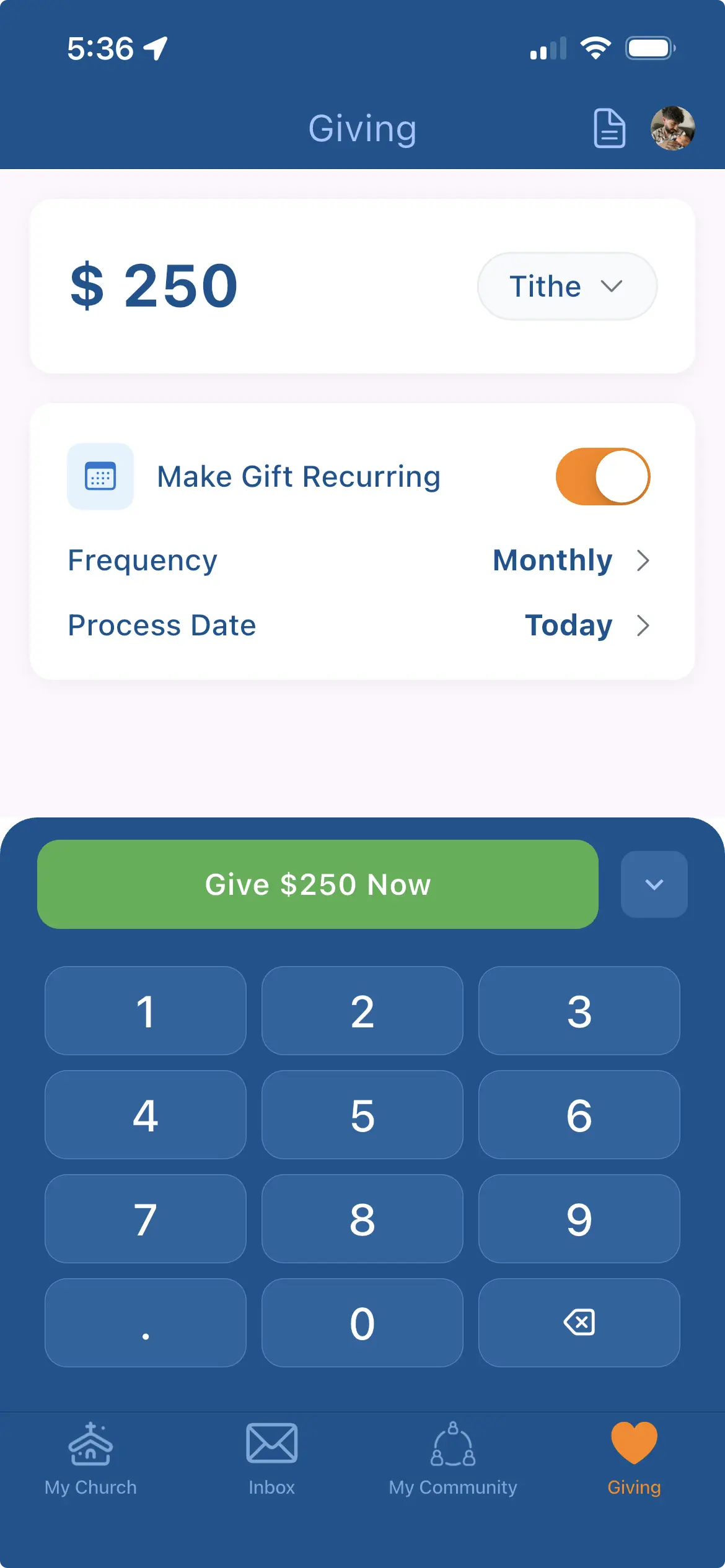
Empower your congregation to give anytime, anywhere — directly through your church's own app or web giving platform. Seamlessly integrated, myChelper Giving becomes a natural extension of your church experience.
Why myChelper Giving?
Churches report 3-5% immediate increases in giving with online platforms, and up to 25% more when recurring giving is actively promoted. myChelper Giving is built right into your church's mobile app - no separate downloads or redirects needed.
Secure & Compliant
Powered by Stripe Connect. PCI compliant with bank-level security and proven reliability. Donations go directly to your church's bank account - no middleman delays.
Native Mobile Experience
One-tap giving with Apple Pay & Google Pay inside your church's myChelper app. No redirects or extra logins.
Web Platform for Everyone
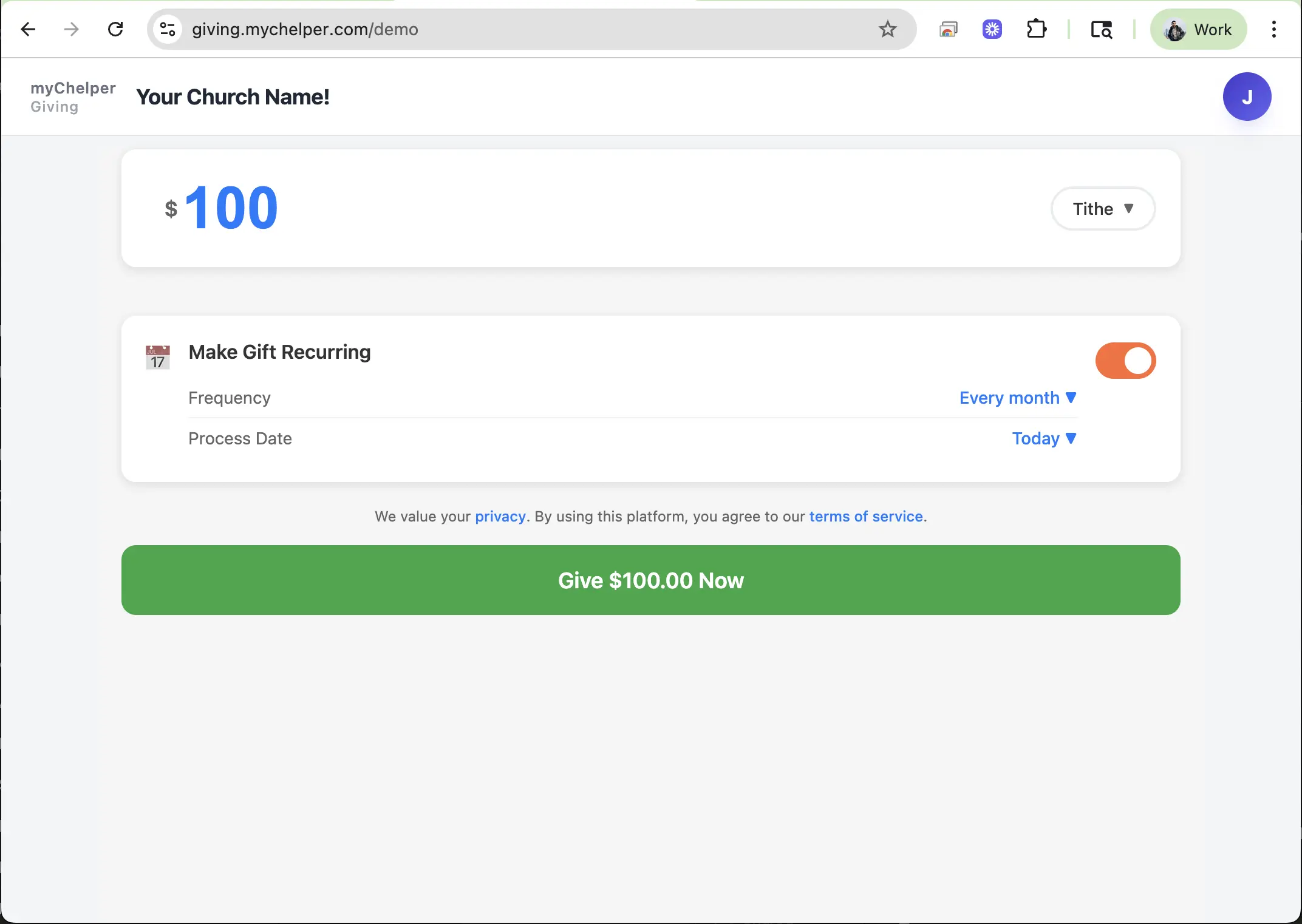
Easy-to-share web platform for users who don't have the app. Share via URL or QR codes for instant access to giving.
Recurring Giving
Simple schedules that increase consistency. Members manage their giving right in the app.
Beautiful, Trustworthy UI
Modern, polished interface that boosts confidence and conversion. Optimized for speed and accessibility.
Real-Time Reporting
See donations as they happen. Export reports and view trends to inform decisions.
Personal Giving History
Donors can easily access their complete giving history and download records for tax purposes. All donations are tracked and organized by date and fund.
Manual Donation Entry
Church admins can manually add donations for cash, checks, or other giving platforms. Keep all giving records in one centralized system for complete donor history.
How to Enable myChelper Giving
Get your church set up in just 5 minutes with our simple Stripe Connect integration.
Open Admin Portal
Go to Dashboard → Giving Setup and click Start Setup.
Complete Stripe Onboarding
Enter your church's legal and banking details. This secure Stripe-hosted process takes about 3 minutes.
Enable Giving
Toggle Enable Giving and create funds (General, Missions, Building) to categorize donations.
Mobile App Integration
Once giving is enabled, it will be automatically available in your church's myChelper mobile app for all members.
Share & Promote
Share your branded web link or QR code to encourage giving. Send a push notification to announce the launch to your congregation.